Blog
-

Dilemma: Which Email Provider Should I Use?
One of the most popular question in web hosting forums, Facebook groups, or Quora is, “Which Email Provider Should I Use?” In this post, you will get introduced to hosted email service providers. I have used or tested some of them, while others have mostly positive reviews. You will also find a list of references or resources at the end of this post. (more…) -
How to Convert Webp image using Linux Terminal
In this post, we will take a look at how to convert images to Webp format using command line tools or the Linux terminal. Over the past year, I have used several tools on the Linux terminal to optimize or convert jpg, png and HEIF images. You can find some of those posts here. Today, I wanted to revisit the conversion of to Webp format using Linux commands. (more…)
-
An Introduction to Yunohost Open Source Application Management Program
In my experience, using, you know, host. I learned about you know host when I was researching for my blog post on different server management panels. You know host was mentioned by a couple of members on low ed. gov, and low in spirit respectively. Today I decided to give it a try. On the watermark server that is in New Jersey, which I had subscribed to as a part of Black Friday 2020 offer the server has largely been sitting idle and I thought it was a good opportunity to give it a try. Looking at the specifications for your know. You can install it on Raspberry Pi, a local machine, or even a virtual private server. Minimum RAM is 512 Mb, and the womac machine came with a gigabyte. So it made sense to try out with a few different options, they do require Debian 10 this machine originally had Ubuntu. 18.04. And that’s why I had to reinstall, I ended up encrypting the disk, which meant that the 20 gigabytes. Hard Drive got split into 7.5. For the root server and 12 and a half for the home. Now, installing it is very easy you need curl. With the after curl installation, or you can go ahead and install the script, and then log on to the web browser for the front end of the server management panel. The menu has multiple features I thought that few icons, and the layout looked rather similar. Turns out the server out is also a little similar and look and feel. Not sure the to share some parts of the code. Next, in the you know host you can set up the administrator account password, you can install, different applications as well as create system users, etc. I tried a variety of applications ether pad, a CMS for images, and then also markdown editor. Were a few of the options, so also wiki.js. I have always been interested in installing a wiki, and try use that, except that I was not happy with the PHP based ones that they brought with them it’s a matter of personal taste, such as dokuwiki and also pm wiki etc. wiki.js I did like it very fast responsive, clean interface, and you have multiple options of either using the text editor in belt or the, you can actually go ahead and write your posts in markdown. Speaking of markdown editor, I tried their own one. However, outsiders can register, as well as anonymously, you can go ahead and use the server fork for your own markdown text. Typically, should not be a problem always happy to share and give back to the community, but without knowing the security implications, I did not want to simply turn all their options on by default. I did end up creating three sub domains, from underworld startup. So, n dot underworld startup was a wiki p was the second one. And the third is an encrypted Notepad, which somehow does not work right now on my mobile phone, either on safari or with Firefox. Other than that, work, I was able to save some text or drafts for future posts, upload images, etc. Finally, we take a look at. Under the hood, what are the other things that you can do, set up multiple users aliases alias emails that is, and applications like dev cart. And then also failed to ban get installed by default during your installation. Overall, quite happy with the number of options or the offers of the that you can install applications that you can install. What I don’t like is the, you know, host transparent graphic that sticks there that just probably stays there. And every time I had to manually drag and drop it. I’m always happy to provide credit so link could have been great, that image kind of takes up too much, real estate, on the, particularly on a mobile phone screen, and some other quirks ether pad did not sorry standard notes did not get installed the server ether pad, did not either. And some of the applications. You cannot have more than one application per sub domain, or even in folders. So those are my some of my early experiences. There are similar tools, cloud panel being another one who has a series of virtual hosts, and so forth. So, hope you found this useful.
This post was updated on 1970-01-01 -
Tutorial: Create a Video from images using FFmpeg
In this tutorial, we will learn how to Create a Video from images using FFmpeg. We will merge up to 10 images from a single folder to create a video using FFmpeg on a Linux Debian machine. We will start with simple iterations and gradually add more complex features to our video. (more…)
-
A long term user’s Review of onlyoffice
ONLYOFFICE is a versatile office suite designed to meet the needs of authors, small businesses, solopreneurs, and startups. It provides a robust set of tools for document management, collaboration, and productivity, making it an ideal choice for professionals seeking an alternative to traditional office software. (more…)
-
Introducing the helpful Server Management Panel Series
Learn all about the Server Management Panel Series in this blog post. You will find a list of blog posts on this topic that I have published over the years: Think of this as in Index page of sorts. I understood from some hard lessons, the importance of having a reliable and efficient server management panel, both for managing my author site and for gaathastory It can make or break your website’s performance and overall user experience. The list below hopefully will help you avoid my error prone learning curve.
(more…) -
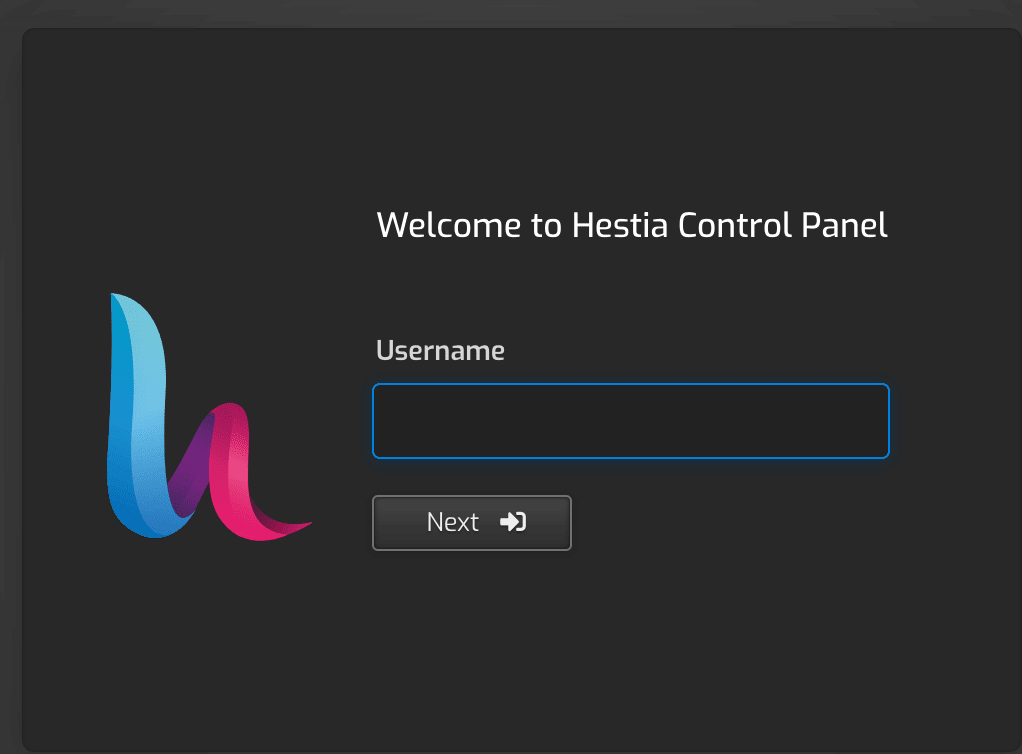
HestiaCP Web Control Panel : A Useful Open Source Server Panel
Let us learn about HestiaCP Web Control Panel in this post.This blog post also outlines the differences between open source projects – HestiaCP and VestaCP in development, interface, security, and features.
इस ब्लॉग पोस्ट में ओपन सोर्स वेब होस्टिंग कंट्रोल पैनल्स HestiaCP और VestaCP की तुलना की गई है। इसमें उनके विकास, इंटरफेस, सुरक्षा, और फीचर्स में अंतर को उजागर किया गया है। यह लेख पाठक को वेब सर्वर को कुशलतापूर्वक प्रबंधित करने के लिए सूचित निर्णय लेने में मदद करता है।
-

How Many Email Services Do You Need? A Dozen ?
This blog post explores the question ” how many email services do you really need?” as I recount my journey through the diverse world of email services.
Many of us have traversed the journey of creating, managing, and discarding a multiple email accounts. Whether it’s due to changing needs, improved services, or simply experimenting with new platforms, the journey has led many of us through a labyrinth of providers.
(more…) -

A List of Prominent S3 Compatible Storage Providers
In this post, I have compiled a list of different S3 compatible storage providers. While preparing this list, I took a trip down memory lane with my earlier experience using AWS S3 in 2019. One of the triggers for this post was my recent interest in Backblaze B2. I am considering this service for storing the images for this blog. This post was updated in March 2024
-

How to Compare Storage VPS Versus Cloud Storage Drive
In this post, we will compare cloud storage vps versus cloud storage drive. Specifically, we will explore the advantages or limitations of using a VPS (Virtual Private Server) for storage or data, compared to cloud storage providers like Dropbox, or Google Drive. Over the years, I have used both types of services.