Among the different ways to prevent spam, one can use email relay service. I had written a post last year on using different ways to prevent these spam messages, and using email relay services is one of them. This service has been covered earlier, in this post find an expanded list with some updates that may be relevant to you. This post on how to use email relay service was published as a part of my Blogging Challenge for 2022.
[ez-toc]
Using Email Relay Services: How to Mask Your Address and Reclaim Privacy
Email relay services are one of my favourite tools for practising what I call “email sovereignty”—being in control of who sees your real address and where spam originates. As data breaches and AI‑generated phishing attacks have increased, I’ve moved more and more of my sign‑ups behind relays to keep my primary inbox cleaner and safer.
What Is an Email Relay Service Useful For?
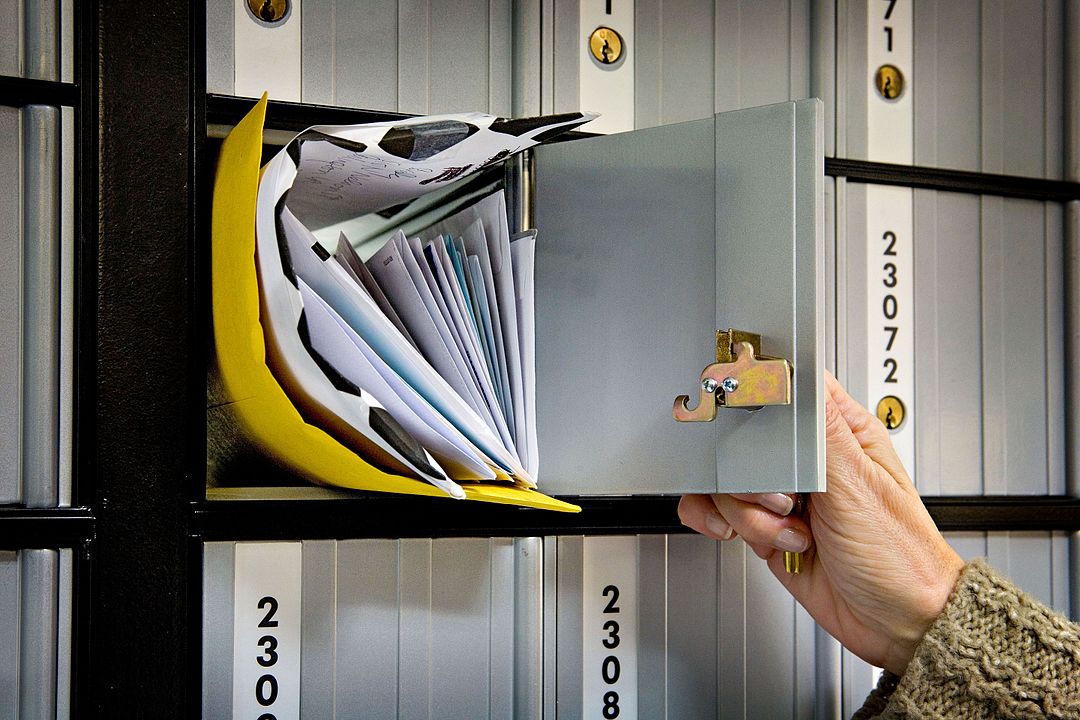 Think of an email relay as a digital P.O. Box between websites and your real inbox.
When you sign up on websites, apps, or newsletters, they almost always demand an email address. In an era of frequent breaches and aggressive data mining, giving out your primary address everywhere is a recipe for spam and potential identity theft. An email relay service inserts an extra layer between you and the outside world: you share a relay address, which then forwards messages to your real inbox.
In my earlier post, How To Prevent Getting Spammed: Six Ways to Protect Your Email, relays were just one method among six. This article is a deeper dive into that one method, updated with newer players like Cloudflare, DuckDuckGo, and Apple’s Hide My Email. Note that this post is about privacy relays, not SMTP relay services such as SendGrid or Mailjet that are used for bulk email sending.
Quick Primer: What Is an Email Relay?
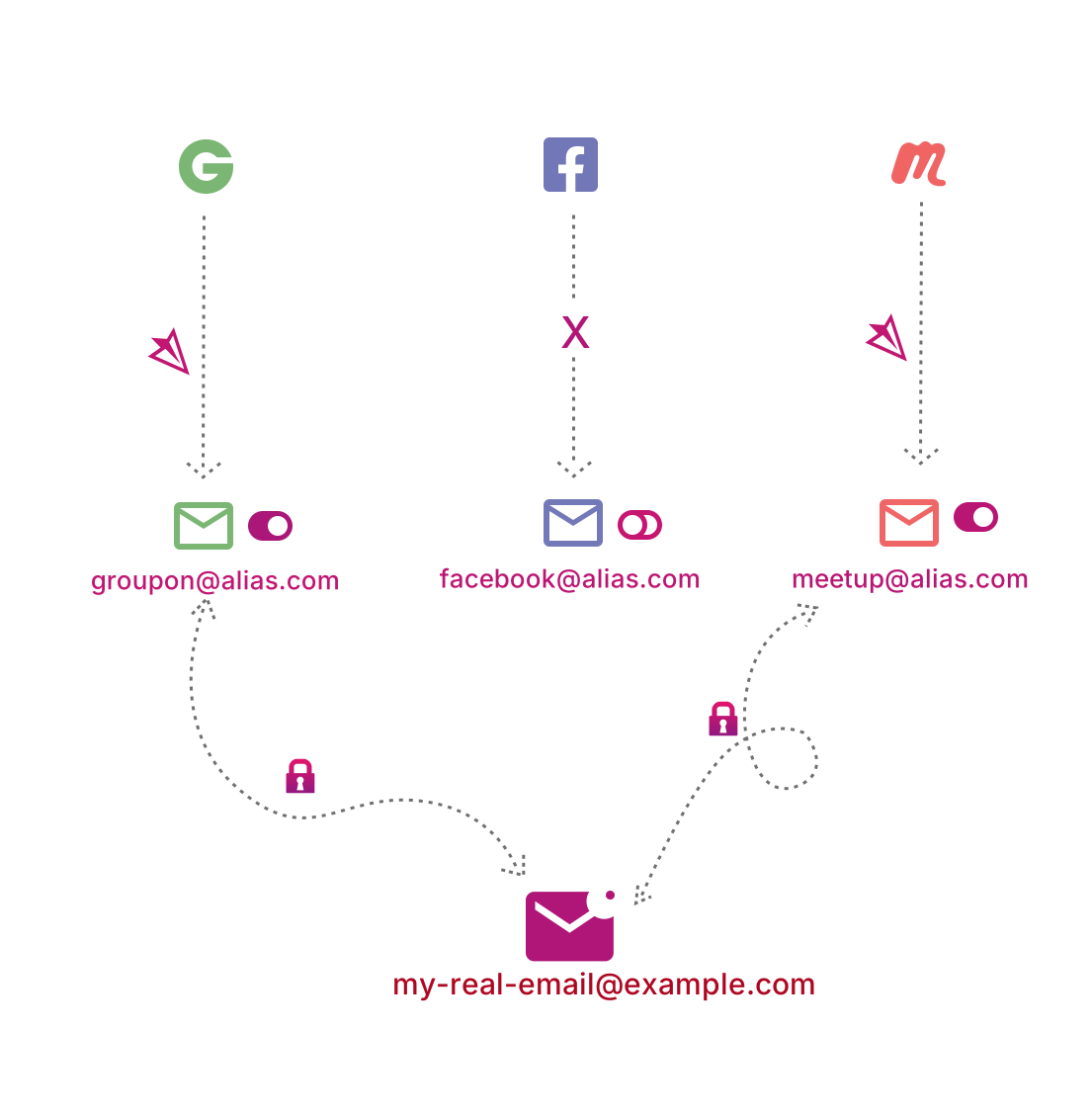 SimpleLogin’s diagram shows how a relay sits between your real inbox and the internet.
The simplest way to understand email relays is with the P.O. Box analogy. Instead of publishing your home address everywhere, you rent a P.O. Box at the post office and share that number with the world. The post office receives the mail and you collect it from there. In the email world, the relay plays the role of the post office:
- You sign up to a website using a relay address.
- The relay receives the email on your behalf.
- It forwards the message to your real inbox, which remains hidden from the website.
Many relay services also support replies: you can answer from your normal email client, and the relay rewrites the headers so that the website or sender only ever sees the relay address. This gives you both inbound and outbound masking.
Inbound vs Outbound Relays
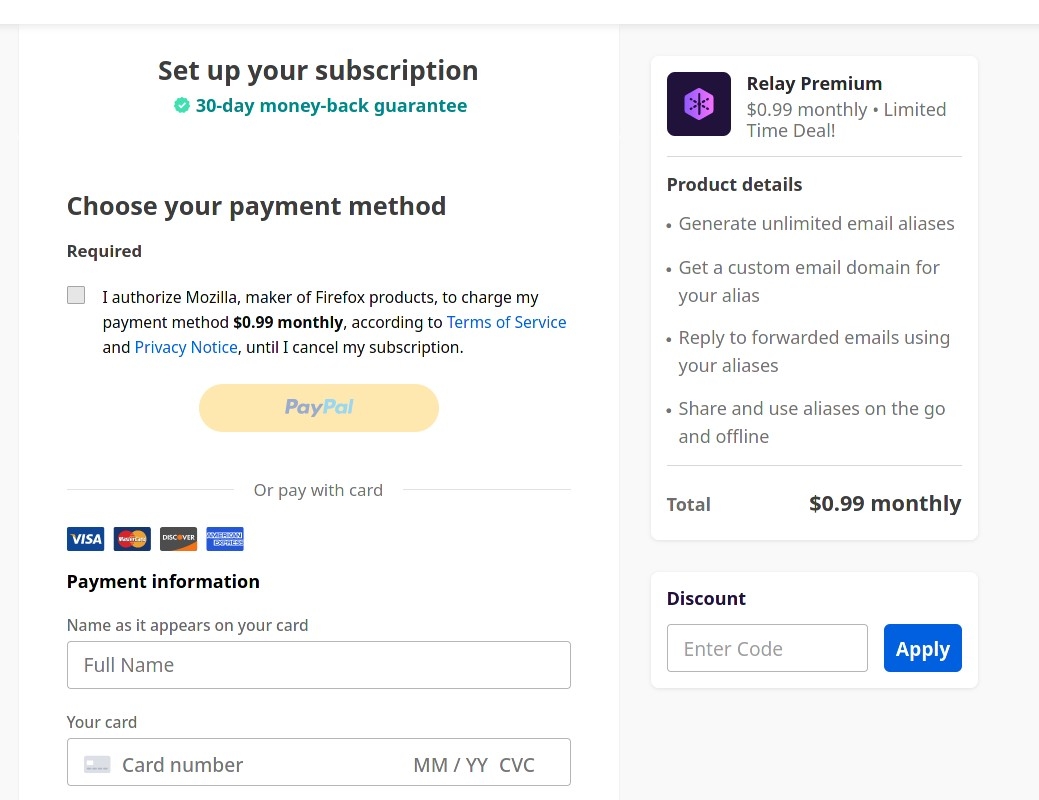 Firefox Relay’s premium plans add more aliases and features over the free inbound-only tier.
Some services only relay inbound messages. For example, the free tier of Firefox Relay lets you receive emails at masked addresses but does not let you send replies from those addresses. Others, such as SimpleLogin or AnonAddy, offer full two-way functionality on their paid plans—the sender sees only the alias, even when you reply.
In my own setup, I initially experimented with three different relay providers and seven aliases, including ImprovMX and LastMX. Eventually that became too much to manage, so I simplified down to two: LastMX (for some older aliases) and Firefox Relay for most day-to-day sign-ups.
Why Use an Email Relay? (The Privacy Case)
 Data breaches are common; relays help limit which address gets exposed.
Every week, new data breaches appear on services like Have I Been Pwned, listing millions of compromised accounts. When a site you use gets breached, attackers often end up with your email address and associated metadata. This information is then used for:
- Targeted phishing campaigns that seem surprisingly personalised.
- Credential stuffing, where your address is tried with common passwords on other services.
- Long-term spam lists that are sold and resold multiple times.
Using a relay does not make you completely immune to breaches, but it changes the impact. If a relay alias is leaked, you can simply disable or delete that alias without disrupting your main inbox, and without needing to change your core identity. For high-risk sign-ups—forums, trial accounts, niche services—a relay is a very practical middle ground between “use my main email” and “use a disposable address I will never see again.”
The Main Email Relay Players in 2026
 There is now a healthy ecosystem of relay providers, both freemium and paid.
In the last few years, email relay has gone from a niche privacy trick to a mainstream feature offered by large companies. Here are some of the more prominent options you can consider:
- Cloudflare Email Routing – Lets you route addresses under your own domain to a destination inbox, with rules and aliases.
- DuckDuckGo Email Protection (@duck.com) – A privacy-focused, receive-only relay that also strips common tracking pixels and links.
- AnonAddy – Open-source friendly service with custom domains, catch-all aliases and self-hosted options.
- SimpleLogin – Now part of Proton, supports unlimited aliases on paid plans and integrates well with Proton Mail.
- 33Mail – Long-standing aliasing service with a simple model for generating addresses on the fly.
- Apple Hide My Email – Bundled into iCloud+, creates unique aliases per app or website directly from Apple devices.
Quick Comparison of Popular Email Relay Services
| Service | Type | Inbound/Outbound | Custom Domain | Notes |
|---|---|---|---|---|
| Firefox Relay | Freemium | Inbound on free; outbound on paid | No | Tightly integrated with Firefox browser. |
| SimpleLogin | Freemium | Inbound & outbound | Yes | Owned by Proton, strong privacy reputation. |
| DuckDuckGo @duck.com | Free (beta) | Inbound only | No | Strips trackers from incoming mail. |
| AnonAddy | Freemium | Inbound & outbound | Yes | Open-source; self-hosting option available. |
| Apple Hide My Email | Paid (iCloud+) | Inbound & outbound through Apple ecosystem | Limited (Apple-managed) | Ideal if you are deep in the Apple ecosystem. |
Taking a Closer Look at a Few Relay Services
DuckDuckGo Email Protection (@duck.com)
 DuckDuckGo’s browser extension helps you create @duck.com aliases on the fly.
DuckDuckGo’s email protection gives you an @duck.com address that forwards to your real inbox. You can enable it using the DuckDuckGo mobile browser app or browser extension. The service removes common trackers from incoming emails, but it is receive-only—you cannot reply from the @duck.com address. This makes it suitable for newsletters, promotional sign-ups, and any context where you rarely need to respond directly.
Apple’s Hide My Email (iCloud+)
Apple’s Hide My Email is integrated into iOS, iPadOS, and macOS. When an app or website requests your email, you can choose to:
- Share your real Apple ID email, or
- Let Apple generate a random alias unique to that app or website.
In my own use, I noticed that as soon as I deleted a test app, the promotional emails associated with that alias stopped arriving. For users already paying for iCloud+, Hide My Email is a valuable extra layer that requires almost no configuration effort.
Freemium Alias Services: AnonAddy, SimpleLogin, ImprovMX, LastMX, 33Mail
 Freemium pricing, with reasonable paid tiers for heavy alias users.
Several services follow a similar freemium model: basic inbound-only aliases for free, plus more aliases, custom domains, and outbound support on paid plans. Examples include:
All of them allow you to point aliases at an existing inbox, which is helpful if you prefer to keep Gmail, Outlook, or Zoho as your primary mail interface while still benefiting from the flexibility of aliases.
Open-Source and Self-Hosted Relay Options
 Self-hosting a relay is powerful but requires ongoing maintenance and care.
For those comfortable with managing servers, there are open-source projects that let you run your own relay infrastructure. A few examples are:
- OpenTrashMail – a web-based disposable email service you can host yourself.
- Self-hosted SimpleLogin – the backend of SimpleLogin, available to run on your own VPS.
Self-hosting can reduce dependence on third-party providers, but it also brings additional responsibilities: you must handle updates, security, spam filtering, and deliverability. For most users, a hosted relay is a more practical choice.
How Relays Fit Into an “Email Sovereignty” Setup
 Relays work best alongside custom domains, aliases, and sensible spam filtering.
Relays are not a complete replacement for good email hygiene, but they are an important building block. In my wider email strategy, they sit alongside:
- A small number of carefully chosen primary accounts (for example, custom-domain email for work, Gmail or Outlook for personal use).
- Custom domain aliases for high-value services and long-term relationships.
- Disposable or temporary email addresses for one-off downloads and trials.
If you would like to see how relays sit alongside these other tools, my post How Many Email Services Do You Actually Need? offers a broader “strategy” view of managing multiple accounts without losing track.
Wrapping Up: When Should You Use an Email Relay?
 Whenever a site demands your email, consider whether a relay would be safer.
Given how common data breaches and spam campaigns are, it makes sense for most people to use at least one relay service for:
- Social media and online forum accounts.
- Apps and SaaS tools you are still evaluating.
- Any service where you are unsure how they handle data or marketing.
Relays are not perfect—if the relay provider itself is compromised, your aliases may be exposed—but they significantly reduce how often your primary address is shared and reused. In my experience, combining a relay with sensible filters and occasional account clean-up strikes a good balance between privacy and convenience.
Further Reading in This Email Series
- How to Stop Email Spam: 6 Practical Ways to Protect Your Inbox
- How Many Email Services Do You Actually Need?
- Email and Web Browsing in the Terminal: A Guide for the Minimalist Power User
This post titled “Using Email Relay Services: How to Mask Your Address and Reclaim Privacy” was published under category “Technology” and last updated February 06, 2026.